
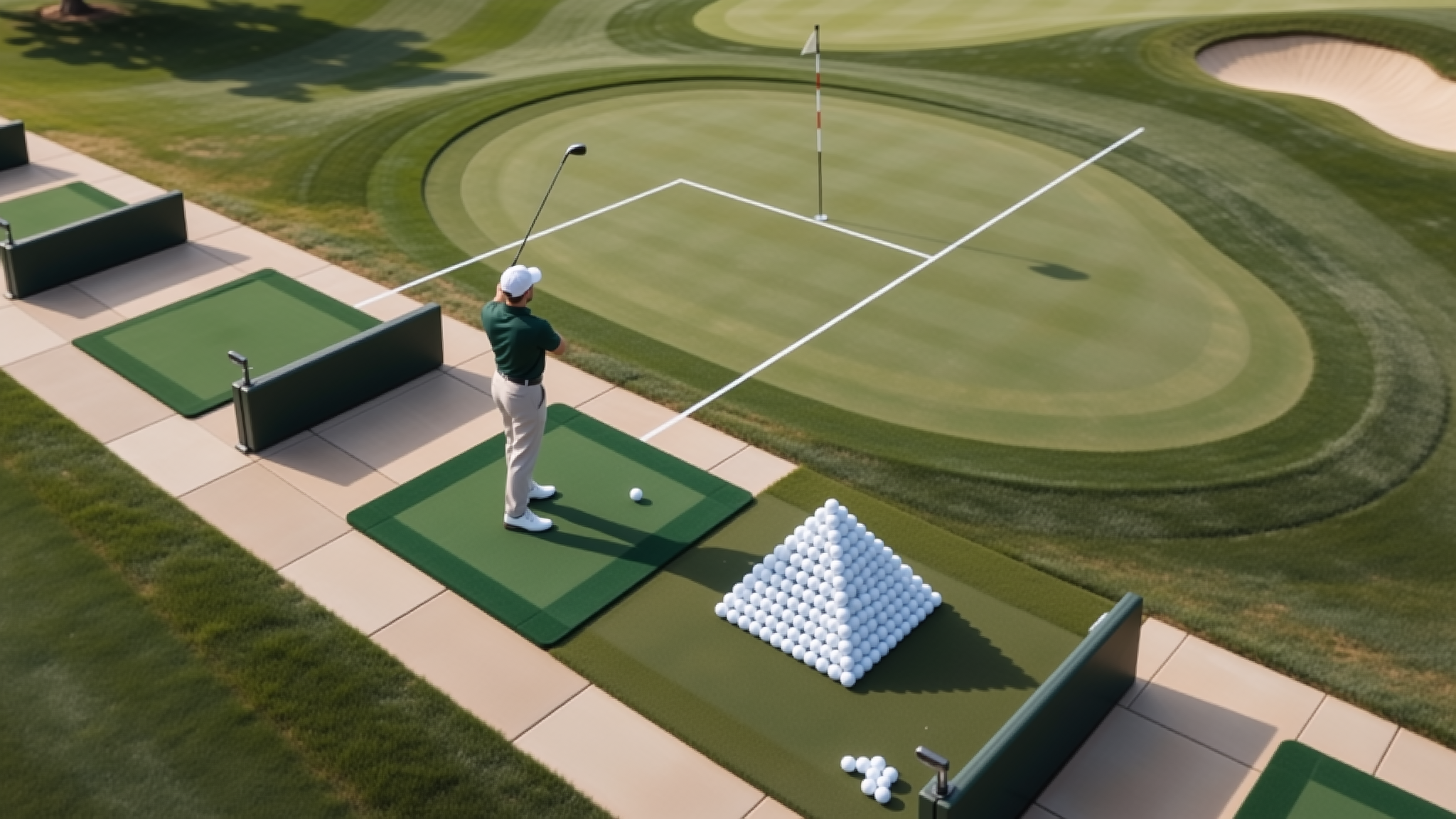
From the whole swing to the session it belongs to
This is the part of the workflow that turns recordings into something that can be looked at: capturing the swing in full, replaying it, breaking the movement into its key phases, and comparing the same swing across training sessions.
Three things this workflow is built around
Complete swing recording
The whole movement is captured, so the analysis starts from a full swing rather than a fragment.
Key phase observation
The movement is broken into its key phases, and each phase can be watched on its own.
Session-by-session comparison
The same swing is compared across training sessions, so change over time becomes visible.
The charts and figures on this page are sample data. They show how the analysis is planned to be presented and are not measurements taken from the product, which is still in development.

Capture the whole swing first
Everything on this page depends on the recording. The camera captures a golf swing in full, and the app is where that recording lives afterwards.
Built-in camera
The camera is part of the product, so the recording starts where the swing happens.
Complete swing recording
The whole movement is captured — not a fragment of it — so later analysis has something to work with.
Clips kept in the app
Recordings are kept in the mobile app, which is where they are replayed and compared.
Replay it while it is still fresh
The recording plays back in the app, so a swing can be looked at again while the feeling of it is still there — rather than only at the end of a session.
Replay is the step between capture and analysis: the clip is watched, then the parts of the movement are looked at one by one.
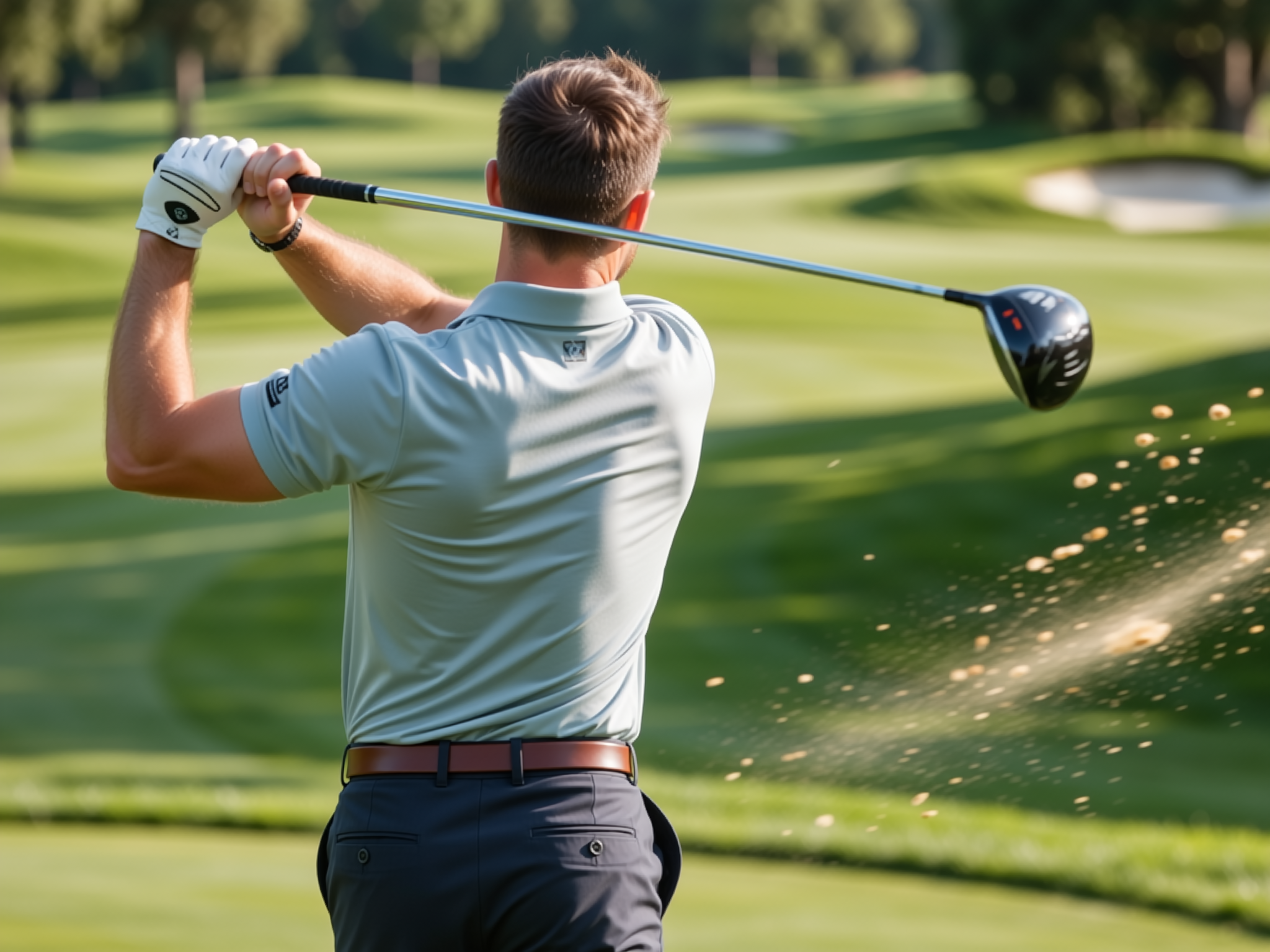
Key phases, one at a time
Observation is planned to break the movement into its key phases, so a swing can be looked at part by part instead of as one fast blur. Each phase is watched on its own, against the whole recording.
Share of the recording spent in each phase
Sample dataSample data: the phase names and percentages above are illustrative only. They show how a phase breakdown is planned to be presented — they are not measurements taken from the product.
Compare the same swing across sessions
Comparison is planned across training sessions rather than inside a single clip. One recording shows a swing; several recordings, looked at together, show how that swing changes over time.
Recorded swings and reviewed clips, by session
Sample data| Session | Swings recorded | Clips reviewed | Change vs previous |
|---|---|---|---|
| Session 1 | 24 | 12 | — |
| Session 4 | 30 | 19 | +7 |
| Session 8 | 36 | 27 | +8 |
Sample data: the session numbers above are illustrative only. They show how a comparison across training sessions is planned to be presented — they are not measurements taken from the product.
Following the workflow as it is built
Capture, replay, analysis and comparison are all part of the same development effort. The R&D progress page collects the current state of that work.